Touch, Keyboard or Sliders: Choosing Game Controls
A tap, a hold and a key press can mean different things across these games. Check the input model before diagnosing an inaccurate shot.
Check whether the game fires on press or release
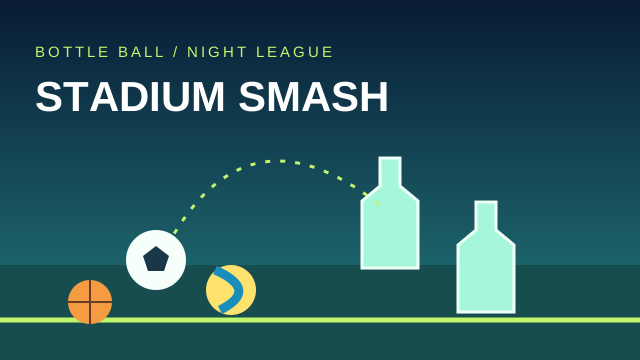
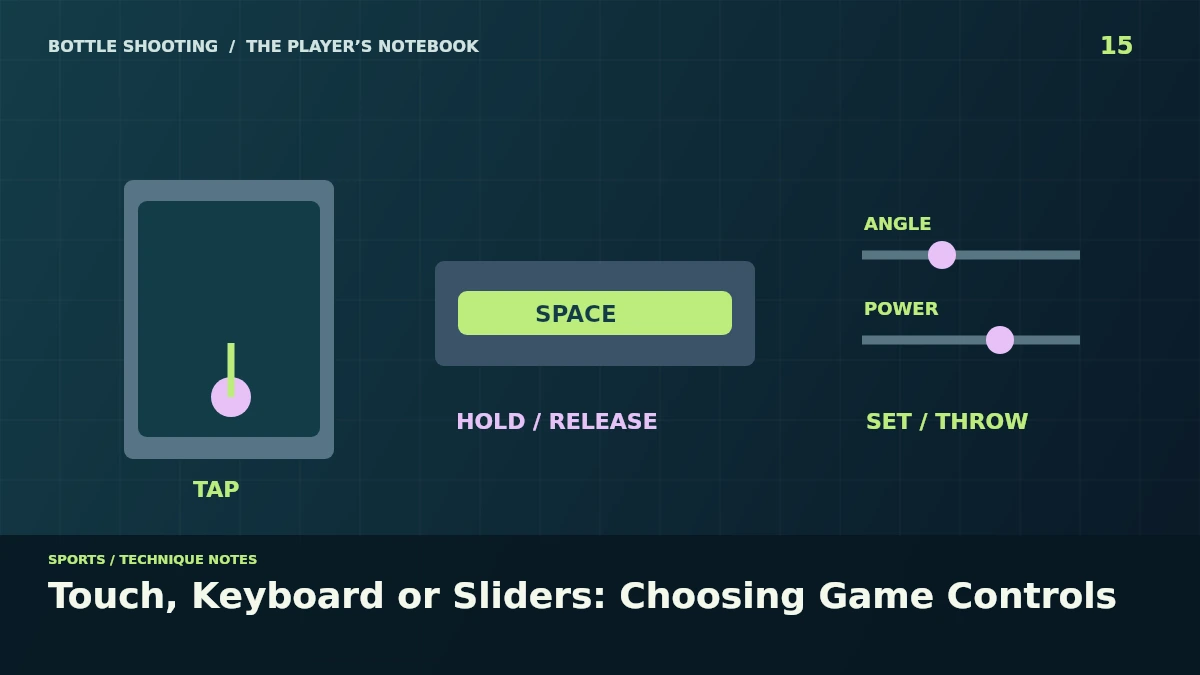
Start with the control note below the canvas. Target Shooting fires when you press the playfield, while Bottle Ball and Bottle Smash charge during a hold and launch after release.
The distinction changes a mobile attempt. A quick touch in a throwing game gives little charge time, whereas holding a finger on the target range does not build extra shot power before you lift it.
Bottle Flip uses another input pattern. A tap starts a jump and another airborne tap can trigger the second flip, so holding the touchscreen is not a substitute for making that second timing decision.
Use sliders when charge timing gets in the way
The ball court provides a repeatable option. In Bottle Ball, set angle and power with the sliders and press Throw, letting you repeat a setting without reproducing the same finger-hold duration.
Bottle Smash has the same launch alternative. Keep the selected material unchanged during a comparison, because swapping between a stone and brick changes the flight even if the two slider values stay identical.
A throw button still respects the game state. It will not launch a second object while another remains in flight, so wait for that throw to end before assuming your next press has failed.
Keyboard controls need the playfield's focus
Click or tap inside the game first. The game's keyboard listeners sit on its canvas, so arrow keys or Space pressed while a different page control has focus may affect the page instead.
Use the listed key for each action. Space charges and releases a throw in the ball court, but it starts a flip in Bottle Flip and fires a shot in the target range.
Check the selected ball after a key change. Bottle Ball maps 1, 2 and 3 to football, volleyball and basketball, so the visual button state gives you a quick confirmation before you prepare the next arc.
Distinguish scrolling, cancellation and pause
The playfields disable touch scrolling inside the canvas. Scroll from the surrounding page when you want to reach the article or game links, keeping the game area available for its aiming and movement gestures.
A canceled gesture should not spend a throw. In the ball court, pointer cancellation clears the charge rather than launching it, which can explain an interrupted hold that ends without a ball leaving the starting point.
Leaving the tab can pause the game. Look for the pause overlay when you return, and resume there instead of pressing repeatedly on a playfield that is waiting for the match to restart.
Make one small input comparison
Try the first court with the sliders. Repeat the same launch using a hold-and-release gesture, then compare the power display before deciding whether the miss came from control timing or your chosen trajectory.
Use the ball-choice notes for physics differences, or the second-jump guide for tap timing. The court sits in the sports category, while the Bottle Shooting homepage gives you the wider selection of controls and games to try.